Features
A fast route into the next layer of context when the headline alone is not enough.

UnescoNews / Feature
Topic Alerts is designed to make UNESCO coverage easier to keep up with and easier to act on. The feature reduces clutter, gives the important stories more shape and keeps the next relevant page within reach.
The focus is email and push alerts by UNESCO topic. It fits readers who want more control over how they follow the publication.
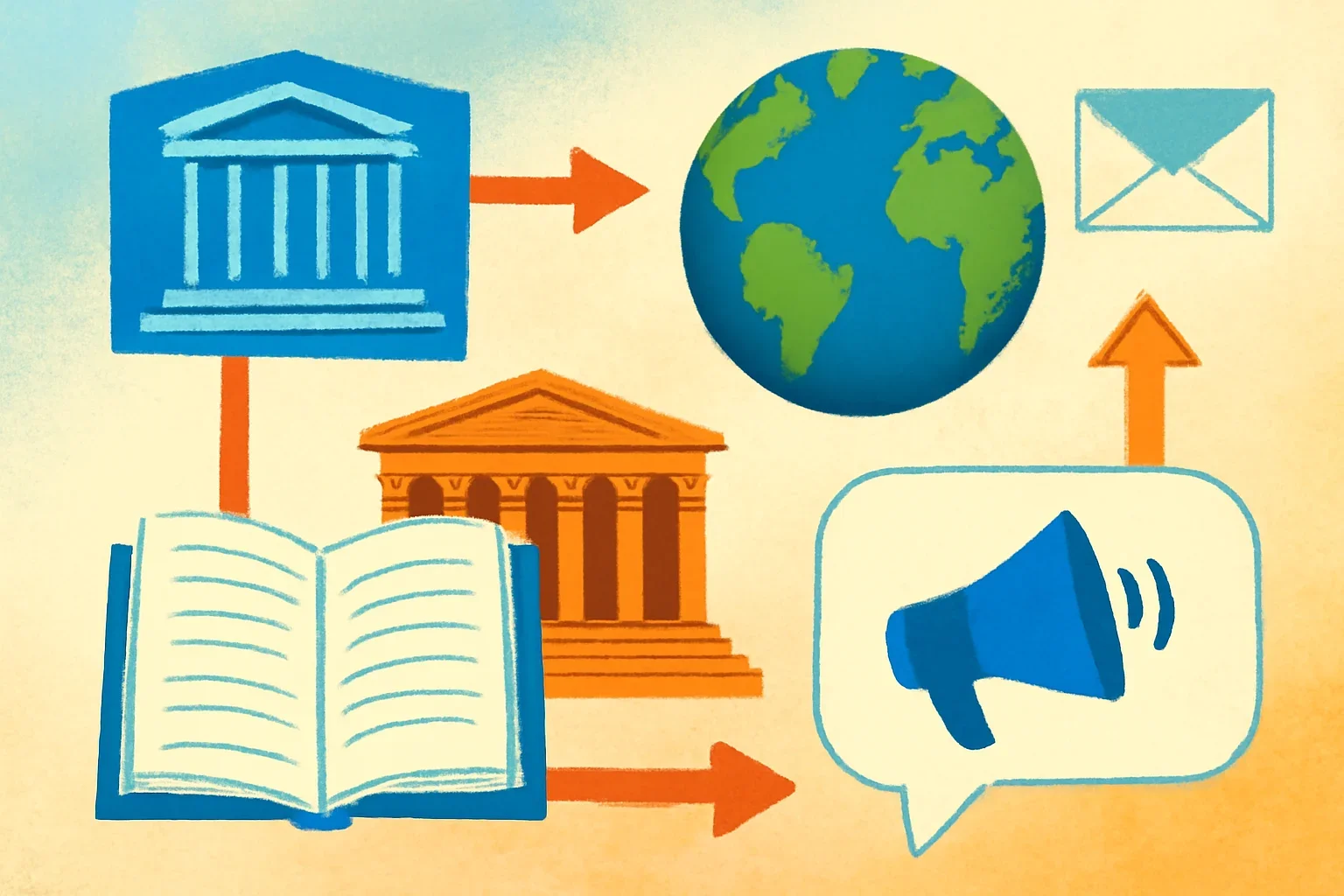
A fast route into the next layer of context when the headline alone is not enough.
Useful when you want the angle, the background and the practical connection in one place.
Built for readers who prefer a cleaner path from update to understanding.
Open this when you want the related story, not another dead end.

Topic Alerts works best when the issue is ongoing, the subject is broad or the reading habit needs more structure than a general homepage can provide.

Some readers start here each day. Others use it as the second layer after opening <a href="/newsroom/">the newsroom</a>. The right place depends on whether you need speed, depth or a narrower signal.
Open a related topic hub such as <a href="/topics/education/">Education</a> to put the feature into a subject-specific rhythm.
Topic Alerts works best when the issue is ongoing, the subject is broad or the reading habit needs more structure than a general homepage can provide.
The feature is built to reduce repeat searching and help readers hold onto the thread between separate updates.
Some readers start here each day. Others use it as the second layer after opening the newsroom. The right place depends on whether you need speed, depth or a narrower signal.
It also pairs well with the newsletter when delivery matters as much as on-site reading.
Open a related topic hub such as Education to put the feature into a subject-specific rhythm.
If you want a full overview of the product set, return to Features.
Readers who return often or follow one topic closely usually get the most value from this feature.
Not usually. It works best as a complement that sharpens the way you follow a topic or a recurring editorial need.
A topic hub, the newsletter or the archive often adds the most value.
Tell us the topic you care about and the workflow you need to support, and we will point you toward the most useful next page.